CookieYes scans our site regularly. Today it finds these cookies placed by the CerberSecurity plugin: “jnCcZrg” and “snjvDSB”
So these will be the cookies our visitors will specifically give us their consent for.
Once they accept the cookies and open (in an incognito window) Dev tools > Application, Cookies they notice that your security cookies are named now , on their device, differently, for instance “-snPGcC” and “hiqIbfZuwtDPGsJ”
From both a GDPR point of view and also a technical point of view how do you recommend us to explain them what’s going on, why their actual security cookies are different from those they agreed to?
The cookies generated by WP Cerber are dynamic and random for security reasons.
Their names change with every session
this is normal, intentional, and fully GDPR-compliant.
What CookieYes detects are examples at a specific moment in time, not the exact list that each visitor will receive.
GDPR does not require you to display the technical name of the cookie, only its purpose.
Cerber’s cookies fall under the category of “Strictly necessary security cookies,” which do not require explicit consent.
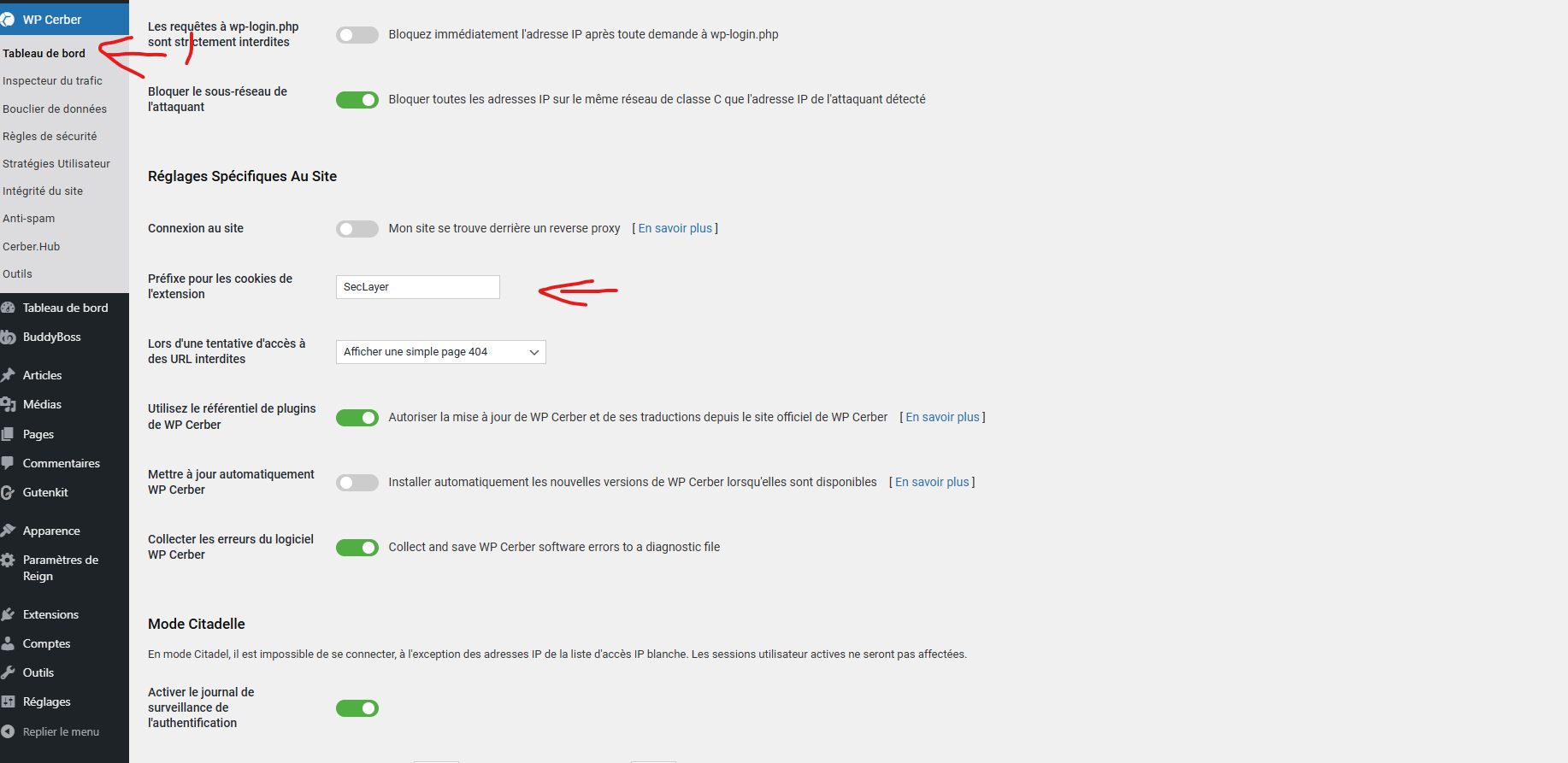
In your WordPress Dashboard under Settings General, you can rename the cookie prefixes if you want your reports to reference more recognizable identifiers. This won’t change the dynamic names, but it will help you understand which cookies belong to Cerber.
I am not a Cerber support agent, but your issue is straightforward, so I’m simply giving you the correct explanation.